In a Python or data science course, the first week is often lost to installation problems: different laptops, different versions, missing packages and confusing error messages. Students who struggle with setup start the course behind and frustrated.
A ready workspace on day one
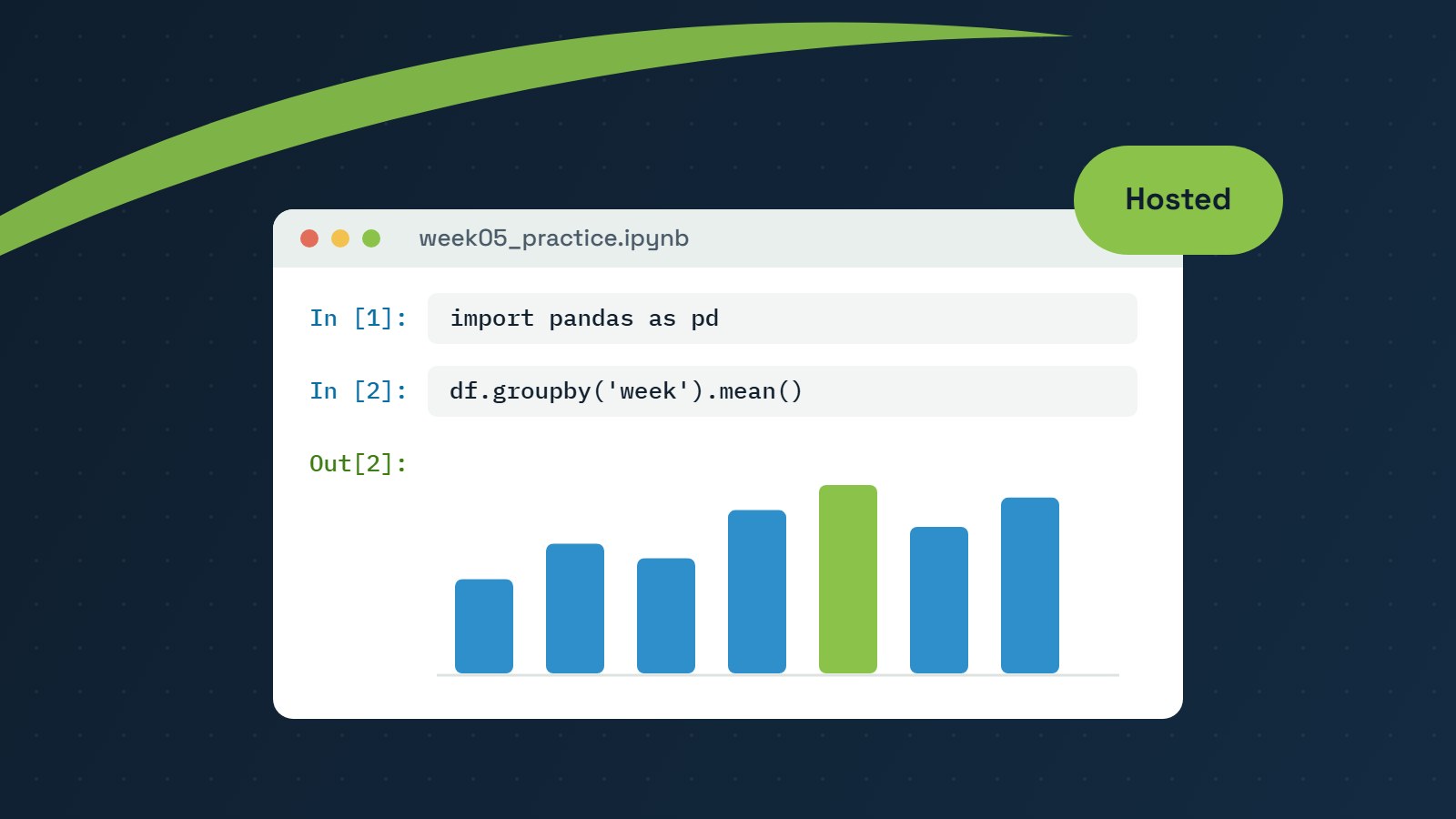
We provide hosted Jupyter notebooks so every student gets a personal workspace in the browser. There is nothing to install. Each workspace is organised into practice, lab and assignment folders, and new notebooks for each week are delivered on schedule.
Better support for instructors
- Instructors can open a student’s notebook in place to help with an error or to mark work.
- Everyone uses the same environment, so “it works on my computer” stops being a problem.
- Accounts are created for each new term or section, and linked directly from the LMS course shell.
Not only notebooks
The same approach works for web development courses. Students get personal hosting accounts with secure file upload and HTTPS, so they publish real, live websites instead of files that only run on their own laptop.
Hosting is part of the course design, not an afterthought. When the environment just works, students spend their time learning the material.